
Cybercrime keeps getting more costly and cybercriminals are increasingly getting more sophisticated: in ASD’s Annual Cyber Threat Report 2025–26, the average self-reported cost of cybercrime per business report rose 16% to $93,500. Businesses and individuals in Australia regardless of size are being targeted for their valuable information. Usernames and passwords are no longer secure enough to protect your sensitive information, which is why security steps like Multi-Factor Authentication (MFA) are becoming an essential—and, in some settings, mandatory—step towards significantly reducing risk. But what is MFA and how does it work?
In this blog we break down MFA, its types, how it works, its advantages, and how it is implemented.
What is Multi-Factor Authentication?
Multi-Factor Authentication (MFA) is a security method that requires users to provide two or more forms of identification in order to access a system or service.
The most common form of MFA is a combination of a password and a second factor, such as a code sent to a mobile phone, an approval in an authenticator app, or a fingerprint. The goal of MFA is to increase the security of authentication by requiring multiple forms of authentication, making it more difficult for unauthorised users to gain access to the system.
Why is Multi-Factor Authentication important?
In today’s ever-evolving digital landscape, MFA is important because it provides an additional layer of security beyond just a password. Passwords can be easily guessed, stolen, or cracked, but MFA makes it much more difficult for an attacker to gain access to a system. Stolen logins are a common way in: ASD reports that 42% of incidents reported by industry, government and critical infrastructure organisations in 2024–25 involved compromised accounts or credentials. Multi-Factor Authentication plays an essential role in maintaining a strong identity and access management policy. By requiring multiple forms of authentication, MFA greatly reduces the risk of unauthorised access.
Additionally, MFA also helps protect against certain types of cyber attacks such as phishing, where an attacker tricks a user into providing their password. With MFA, even if an attacker obtains a user's password, they would still need to have access to the second form of authentication in order to gain access to the system. Some methods, such as SMS codes and push approvals, can still be phished or bypassed, which is why ASD recommends phishing-resistant MFA such as passkeys wherever it is supported. MFA also helps organisations meet requirements such as ASD’s Essential Eight and PCI DSS. In summary, MFA is important because it adds an extra layer of security to protect against unauthorised access, and helps organisations comply with regulatory requirements.
Lock Down Your Cybersecurity & Compliance
Protect, Certify & Grow Your Business. Contact us to learn more about our fully managed comprehensive cybersecurity service that helps businesses reduce risk, certify, protect, and build trust. Speak to an expert.
Types of MFA
There are several types of Multi-Factor Authentication (MFA) that can be used to secure a system or service. The first three below are the core authentication factors; location and behaviour are usually used as additional risk signals rather than stand-alone factors. The most common types include:
Something you know
This type of MFA, like a password or a PIN, is the most basic form of MFA and is widely used. It is relatively easy to implement and is often used in conjunction with other forms of MFA. However, passwords are vulnerable to being guessed, stolen, or cracked, so it's important to use a long, unique passphrase and change it if it may have been compromised.
Something you have
This type of MFA, like a security key, a smart card, or a code sent to a mobile phone, is more secure than a password alone. It helps ensure that only the person in possession of the physical token can access the system. However, it requires the user to carry the physical token with them and it can be lost, stolen or forgotten which can be a problem.
Something you are
This type of MFA, like a fingerprint, facial recognition, or voice recognition, is based on a unique physical characteristic of the user, which makes it harder to share or steal than a password. It is also more convenient for the user as they don't need to remember a password. However, biometrics are normally used together with a device the user holds rather than on their own, they may need extra hardware, and they can be affected by environmental factors such as poor lighting or dirty fingerprints.
Where you are
This type of MFA, like IP address or geolocation data, is useful for ensuring that only authorised users can access a system from certain locations. However, it can be less secure if an attacker is able to gain access to the location information.
What you're doing
This type of MFA, like behaviour-based authentication, is determined by how the user interacts with the device or application. It can be more convenient for the user as it does not require any additional action. However, it can be less secure if an attacker is able to mimic the user's behaviour.
How does Multi-Factor Authentication work?
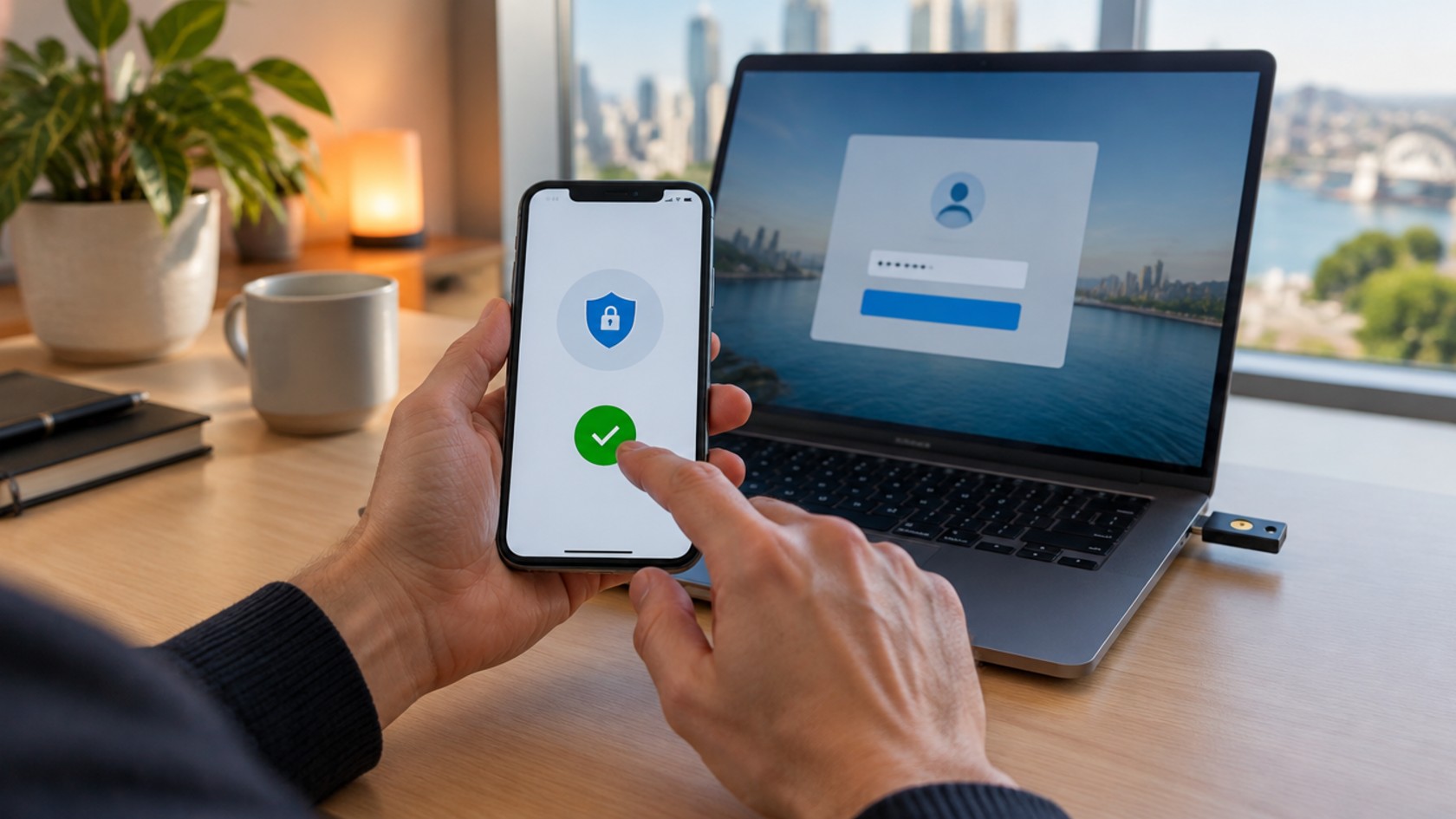
When a user attempts to log in to an account or application, they will be asked to input their login credentials such as a username and password. If inputted correctly they will be asked to verify their identity by a number of authentication methods. A common MFA method is an OTP or one-time password which is sent to the user via email, text, or an authenticator app on a smartphone. These OTPs are usually time sensitive and when inputted correctly and within the time limit give the user access to their account. Increasingly, services also support passkeys, which let the user approve a login with their device’s fingerprint, face or PIN instead of typing a code.
What is adaptive authentication?
Adaptive authentication is an intelligent way of deploying MFA that streamlines the user authentication process. Adaptive authentication systems analyse a number of contextual factors to perform a risk assessment each time a user logs into an account. The first time a user logs in to their account factors such as location, the device being used to log in, the time of day and the network connection the user is using will be recorded and used as a baseline for normal behaviour.
Moving forward, each time the user logs on an adaptive authentication system will compare these factors against the baseline and make a judgement as to whether the user is legitimate or fraudulent. If deemed as being legitimate, the user may be able to log in with fewer prompts. However, if the system deems that the login attempt is by someone suspicious the user will have to verify their identity with additional steps to ensure account security.
Advantages of Multi-Factor Authentication
- Stronger security: MFA adds an additional layer of security by requiring multiple forms of authentication, making it much more difficult for unauthorised users to gain access to a system. Even if a cybercriminal obtains a user's username and password, they would still need to have access to the second form of authentication in order to gain access to the system.
- Protection against phishing: MFA helps protect against certain types of cyber attacks such as phishing, where an attacker tricks a user into providing their password. Phishing-resistant methods such as passkeys and security keys offer the strongest protection.
- Compliance with regulations: MFA helps organisations meet requirements such as PCI DSS and the Essential Eight, which call for organisations to implement certain security measures to protect sensitive information.
- Better protection for remote access: With the increase in the number of remote workers, MFA can be an effective way to secure remote access to a system. It helps ensure that only authorised users are able to access the system, regardless of their location.
- Easy to implement & convenient: MFA can often be added to existing systems, so organisations can readily improve their security posture. MFA can be made convenient for users by using biometrics such as fingerprints, facial recognition or voice recognition, reducing reliance on complex passwords.
5 Best Practices for Implementing Multi-Factor Authentication
Education
An important step when implementing MFA is to educate employees on the importance of MFA and why it is being implemented. Employees may find that always having to input a second factor when logging in is an inconvenience, therefore it’s important to communicate why MFA is being implemented via email and keep communication lines between employees and the IT department open. Security awareness training can reinforce the message.
Implement the right policies
When implementing MFA it is important to set policies relevant to your workplace. For instance, having employees deal with MFA prompts every half an hour can be a hindrance and counterproductive to the completion of their work. Instead, when implementing MFA policies it is important to consider the risk associated with each login event. The types of policies you deploy should vary depending on your industry or the sensitivity of the data your employees have access to.
Risk-based authentication
Another thing to consider is risk-based authentication, rather than applying the same prompt to every login. In lower-risk instances, a password plus an authenticator-app code may be acceptable. Meanwhile, higher-risk logins, such as administrator or remote access, should require a phishing-resistant factor like a passkey or a FIDO2/WebAuthn security key.
Ensure you are meeting compliance requirements
Standards and frameworks such as the Payment Card Industry Data Security Standard (PCI DSS) and ASD’s Essential Eight call for strong user authentication controls. PCI DSS v4.0.1, for example, requires MFA for all access into the cardholder data environment, using at least two different types of authentication factors. These requirements are usually strong motivators for an MFA deployment.
Plan for the event that an employee loses a device
In the event that an employee loses their device, they should be able to access their account with a backup factor and disassociate a lost device or key from their account. This reduces the probability of account compromise. There are a couple of ways that you can plan for any instance where your user loses their authentication hardware:
- Ensure users have a backup factor available
- Enrol multiple devices in an account
In Conclusion
MFA is a cost-effective and simple way to enhance the security of a business's systems and protect sensitive information. Businesses that fail to implement MFA are at a much greater risk of data breaches and cyber-attacks. Policies need to be in place to ensure that employees are using Multi-Factor Authentication across all their accounts and taking the right precautions when logging onto their systems.
How can we help?
At StickmanCyber we provide a comprehensive fully managed service that protects and certifies your business, resulting in mitigating your risks, building trust, winning and retaining clients. Our Cybersecurity & Compliance Services give our clients access to multiple cybersecurity specialists with different areas of expertise for a monthly subscription, including identity controls across your infrastructure. We can help you protect, certify and grow your business, speak to an expert today.
The First Step is Crucial. Start with a Cybersecurity Assessment
Where are you at your cybersecurity maturity journey? Get an assessment of your current security posture and identify the gaps and challenges that you need to act upon. Start an assessment.
Frequently asked questions
Is two-factor authentication the same as multi-factor authentication?
Two-factor authentication (2FA) is a type of MFA that uses exactly two factors, such as a password plus a code from an authenticator app. MFA is the broader term for any login that needs two or more factors. What matters most is that the factors are different types—something you know, something you have or something you are—rather than two of the same kind, like two passwords.
What is phishing-resistant MFA?
Phishing-resistant MFA uses cryptographic methods that can’t be handed over to a fake website, such as passkeys and FIDO2/WebAuthn security keys. Codes sent by SMS or typed from an app can be captured by a convincing phishing page, so they are weaker. ASD encourages Australians to turn on phishing-resistant MFA such as passkeys, and to use an authenticator app where passkeys aren’t supported.
Is SMS a safe MFA method?
SMS codes are far better than a password alone, but they are one of the weaker MFA options. NIST’s digital identity guidelines restrict the use of the phone network (SMS and voice) for out-of-band verification, and like other typed codes, SMS codes can be captured by a convincing phishing page. Where you can, choose a passkey, security key or authenticator app instead, and keep SMS as a fallback.
Is MFA mandatory for businesses in Australia?
There is no single law requiring every Australian business to use MFA, but many organisations must use it in practice. Non-corporate Commonwealth entities must reach Essential Eight Maturity Level Two, which includes MFA, and PCI DSS requires MFA for all access into the cardholder data environment. Contracts with customers or government agencies can also require it.
Do passwords still need to be changed regularly if you use MFA?
Not on a fixed schedule. NIST SP 800-63B says organisations shall not require users to change passwords periodically, but shall force a change if there is evidence a password has been compromised. Focus instead on long, unique passphrases, a password manager and MFA on every account that supports it.
Which accounts should you protect with MFA first?
Start with the accounts that unlock everything else: email, online banking and finance, administrator and other privileged accounts, and remote access such as VPNs and cloud portals. ASD’s MFA campaign specifically calls out email, banking and social media accounts, and PCI DSS requires MFA for administrators and for remote access that could affect cardholder data.